Live Support
Elearning examples
Prototypes
What are prototypes?
Prototypes are functional, interactive sketches that help you design meaningful learning experiences.
Why bother with prototypes?
Prototypes are a better design tool because they help instructional designers focus on the learner experience early in a project.
Storyboards, on the other hand, focus team members on content details such as accuracy and completeness, which often lead to a flat, boring learning experience.
(Storyboards remain a valuable tool for production and final content capture after learning interaction designs are complete.)
Prototypes
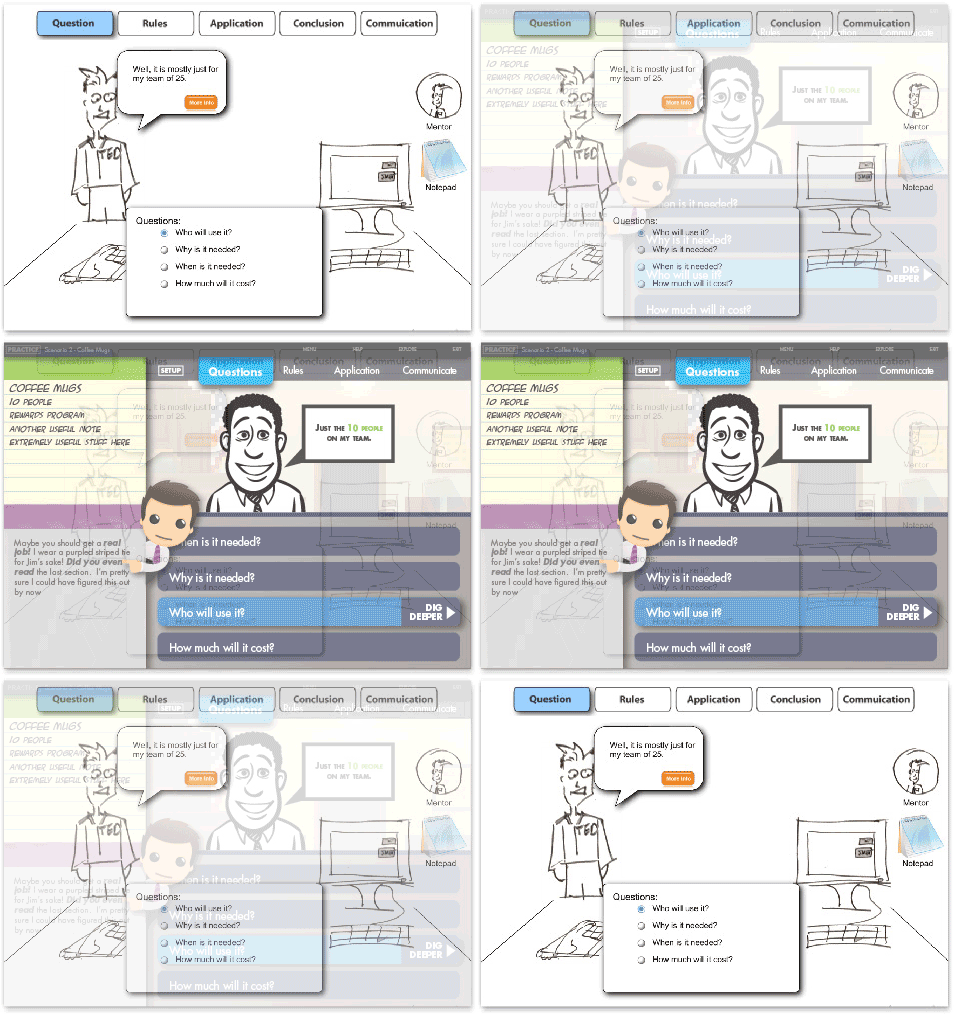
Prototyping is learner-centric and can answer questions such as:
- What behaviors are most important?
- Are the activities effective at building the required skills?
- Are the activities motivating?
Storyboards
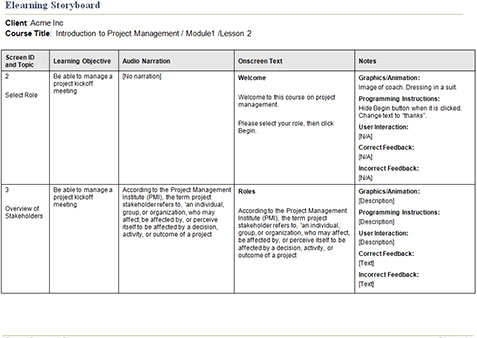
In contrast, traditional storyboards content-centric and answer questions such as:
- Are all topics covered?
- Is the wording correct?
- Are styles and graphics attractive?
Won’t prototyping slow me down and increase my costs?
No, for two reasons:
- Reduce Costly Rework: Prototypes are created and evaluated early in the design process. By obtaining feedback when it’s easy to make adjustments, prototyping means significantly less rework in the expensive production phase.
- Reduce Unnecessary Content: By taking a learner-centric approach, you’ll find that much of the content you might normally place in a course can be provided in a simpler, cheaper format outside the elearning, such as a job aid or reference document. Here’s a great job aid to save you time and help you decide when elearning is appropriate..
Prototype examples
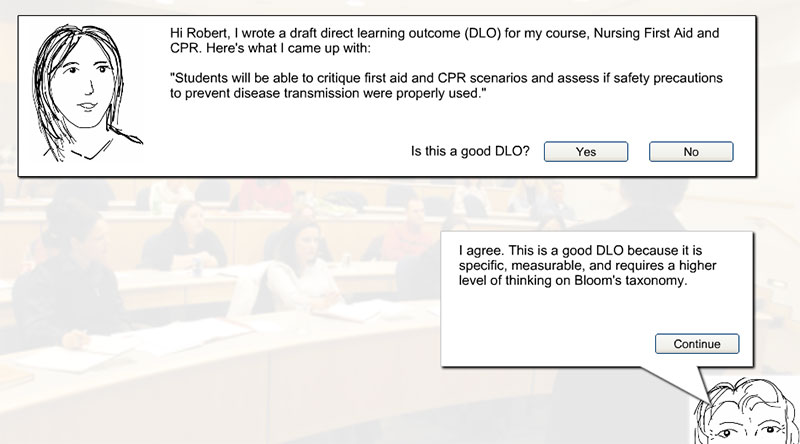
Writing Direct Learning Outcomes Activity
This prototype asks new college instructors to practice writing measurable, performance-based learning objectives. The activities include follow-up questions and immediate feedback from a coach to reinforce concepts, allowing instructors to practice this critical skill across all disciplines from nursing to management.
Stop the Spread! (Cathy Moore interview)
This design, featured in an interview with elearning guru Cathy Moore, demonstrates how to focus on specific performance, not just presentation of information. In the safe space afforded by elearning, the lab worker can practice using a realistic scenario, make mistakes, and have those “ah-ha” moments where real learning takes place.
Note: This interview focuses on timeless design techniques, though the prototype was built using an older version of SmartBuilder.
Information Security
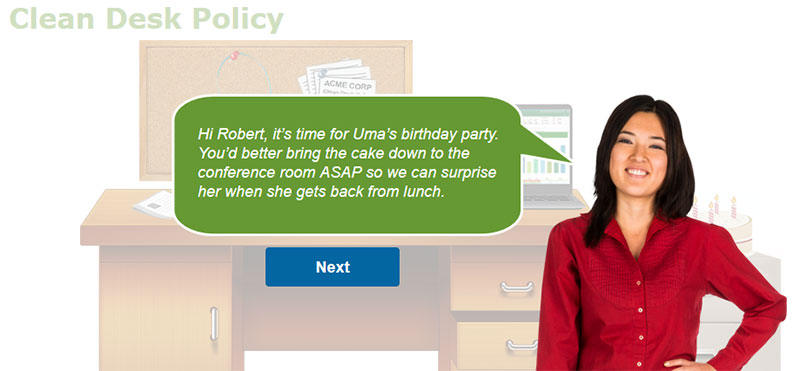
This scenario teaches employees how to maintain a “clean desk” when they step away. The prototype immerses the learner in a realistic situation where they must choose actions (e.g., locking drawers, removing sensitive documents) under timed pressure, reinforcing the real-world consequences of a security lapse.
Want to explore more? View all elearning examples for a complete collection of interactive scenarios, gamification, and more.